Artificial Lab
Punyoo Lab / Virtual Setup Studio
Bayangkan ruang.
Pilih setup korang.
Empat kategori untuk hiburan, gaming dan kerja. Pilih satu untuk mula meneroka.
Memuatkan bilik 3D…
Visual susun atur 3D ringkas. Gunakan kawalan untuk ubah saiz, peralatan dan sudut.
Produk dalam preview ini ialah model ilustrasi. Tiada harga atau pautan affiliate rekaan ditambah.
Build your home cinema.
Try TVs, soundbars and TV boxes in a 3D room. See the size and budget change as you swap gear.
Your setup
Prices are reference estimates in MYR. Check the exact variant, voucher, shipping and checkout price. Cabinet is for illustration. Punyoo Lab may earn a commission from qualifying affiliate purchases.
ARTIFICIAL LAB · ANDROID TV
Punyoo Android TV Apps
Get the main launcher first, or choose an individual app for your TV or TV box. Try selected apps in your browser.
Start with Punyoo Glass Home
Download the parent launcher. This beta includes installers for Kids Lab, Media Shelf, Display Check, Audio Check, Signal Desk, Remote Check, Focus Timer, Ambient Clock and TV Box Benchmark. Open the launcher to choose a companion app, then confirm each installation in Android. TV Doctor is available separately below.
Download Punyoo Glass Home Beta v1.6.2How to install an APK on a TV or TV box
This beta does not support automatic updates. Keep it installed if a newer APK is rejected. Android requires a compatible signing certificate for an in-place update.

TROUBLESHOOTING Beta 1.0.0
Punyoo TV Doctor
Press Scan & safely fix to check Android-reported connectivity, available storage, display mode and audio outputs together. Try screen patterns and left/right stereo tones, follow steps for buffering, crashes or unexpected ads, and save or share the report yourself. It does not scan for malware or change other apps. The scan can clean up only TV Doctor’s own expired test files. No root, account or internet permission required.

Version and file verification
Android 6.0+ · com.punyoolab.tvdoctor
SHA-256: ed0714117ce1d4187f6cfd6d5977114f890bdb251ab9857f471e9bacf1c7b3ac

LAUNCHER Beta 1.6.2
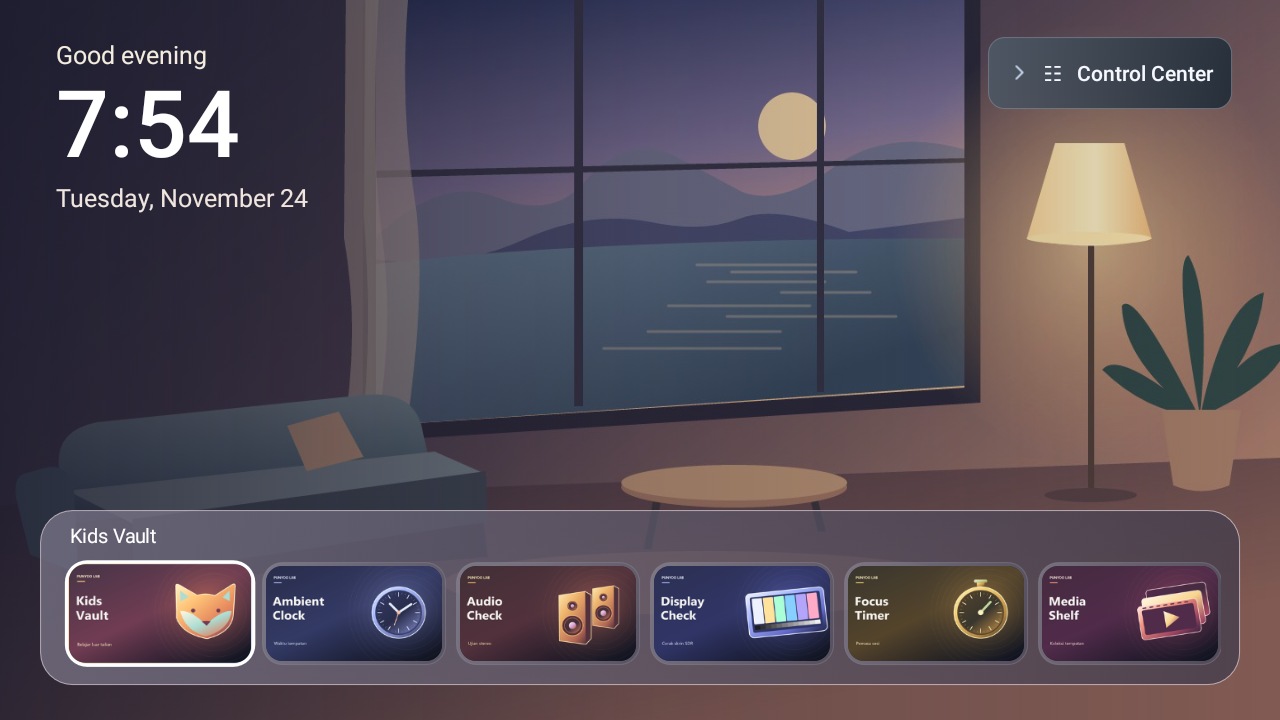
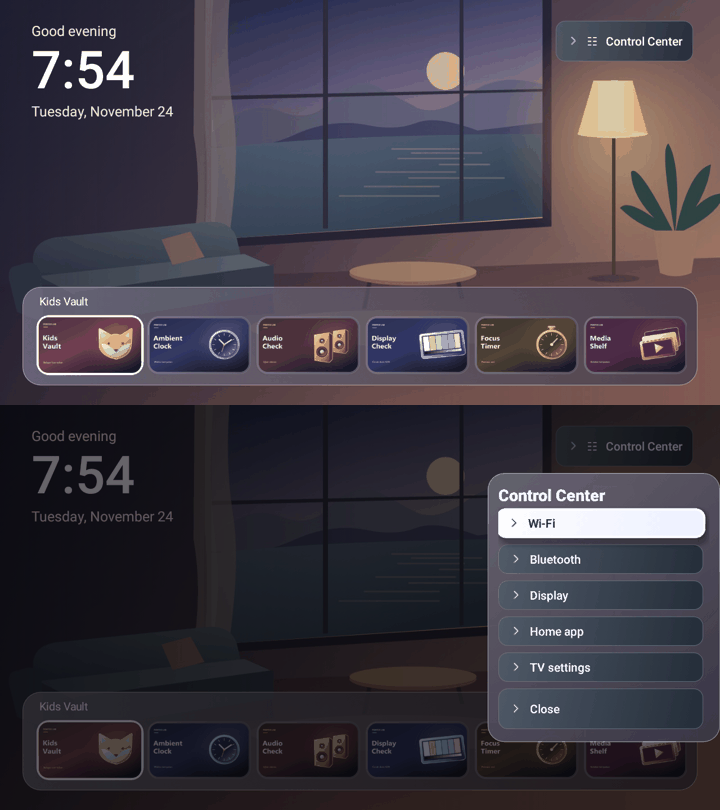
Glass Home
Install the nine included Punyoo Lab apps from the dock, including TV Box Benchmark 0.5.1.
Emulator screenshot · Remote navigation · GIF · Try Glass Home
Version and file verification
Android 6.0+ · com.punyoolab.glasshome
SHA-256: 458a7945838f8aaa962df3293370ca7caf4022838df4c1c0ecdaf3b7c6dbf2d5

FAMILY Beta 1.5.0
Kids Lab
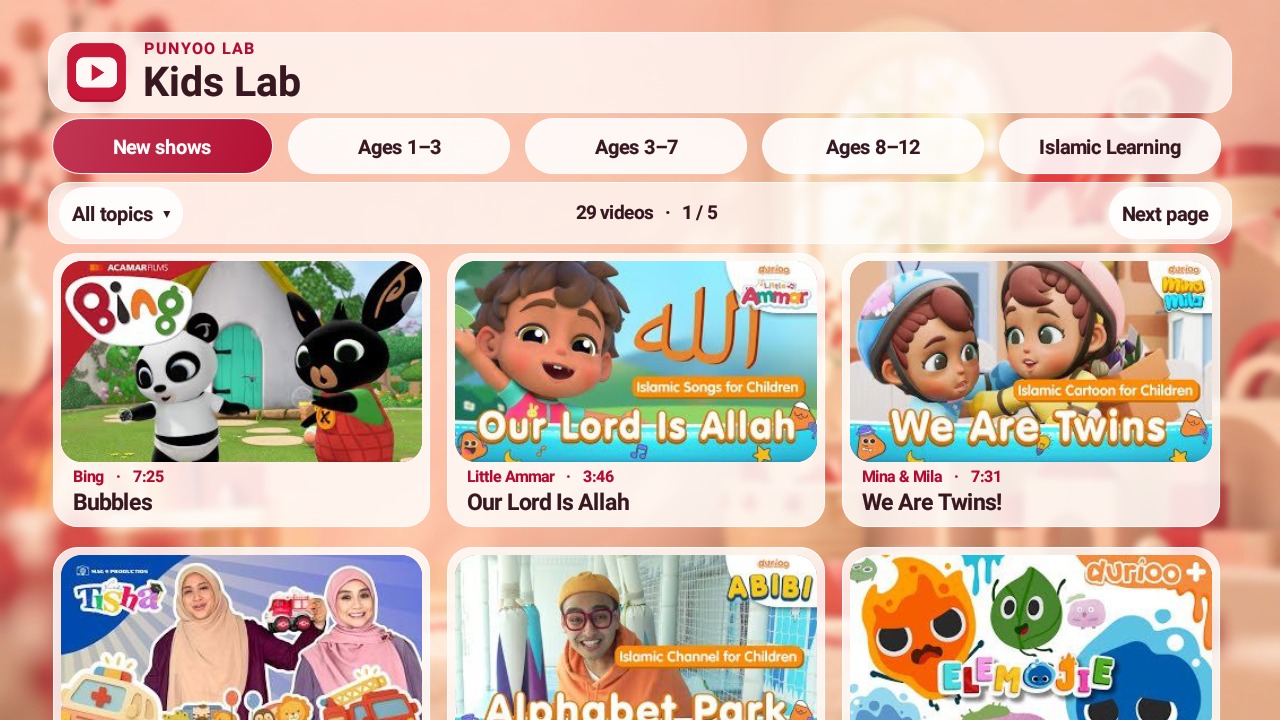
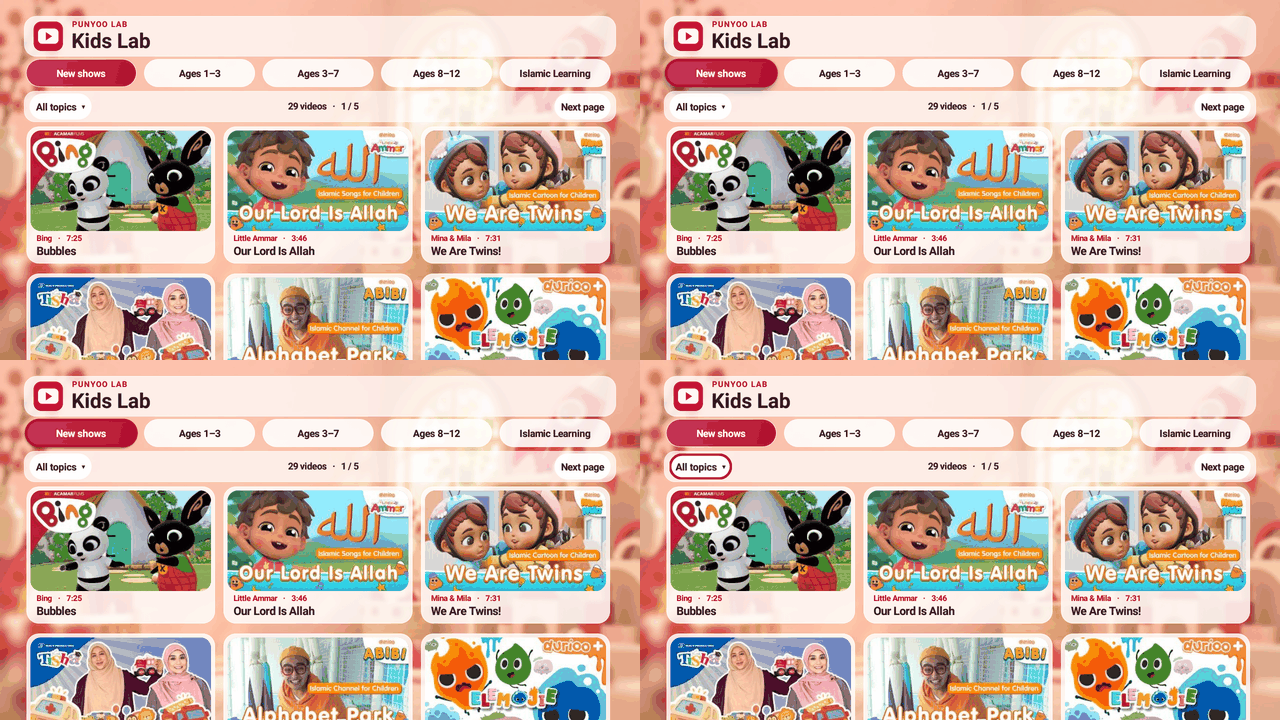
Explore 229 YouTube videos for children. Browse by age or Islamic Learning, or try 29 additions from 11 series in New shows. Choose a topic, watch full screen and switch Autoplay on or off. Parents can hide videos with a PIN.
Emulator screenshot · Remote navigation · GIF · Try Kids Lab
Version and file verification
Android 6.0+ · com.punyoolab.kidsvault
SHA-256: 153ae0ef1bc75ec3faafcb7969546b409bd270aae27b74664504a7095836bedf

LOCAL MEDIA Beta 1.2.0
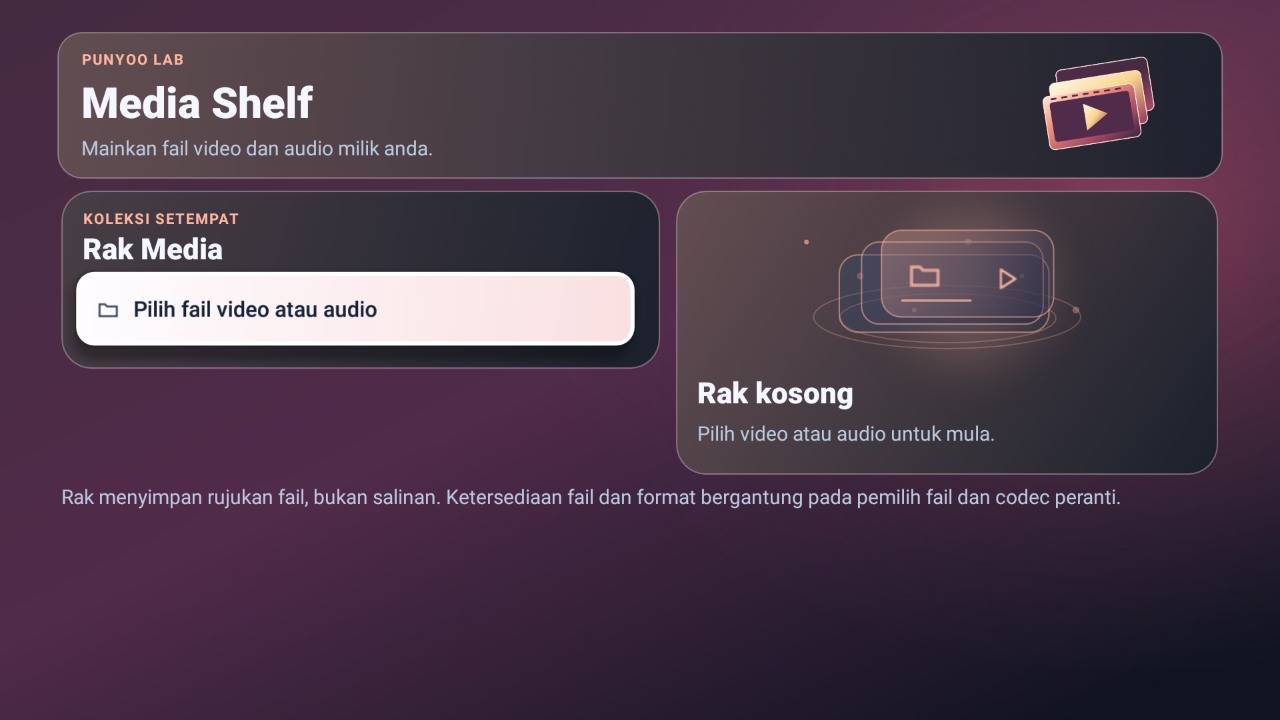
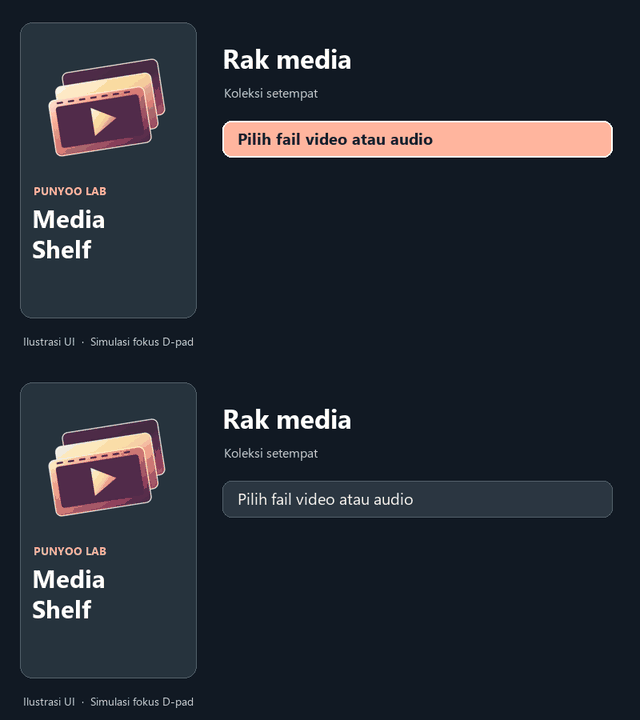
Media Shelf
Pick videos or audio with Android’s file picker and save shortcuts on your shelf. The app does not back up or upload your media. File picker, USB and format support vary by device.
Emulator screenshot · UI preview · illustrated GIF
Version and file verification
Android 6.0+ · com.punyoolab.mediashelf
SHA-256: 509f2e9554243a79e40458771f77161ffaaec655eb4ed392aeadbc67593b5462

PICTURE TEST Beta 1.2.0
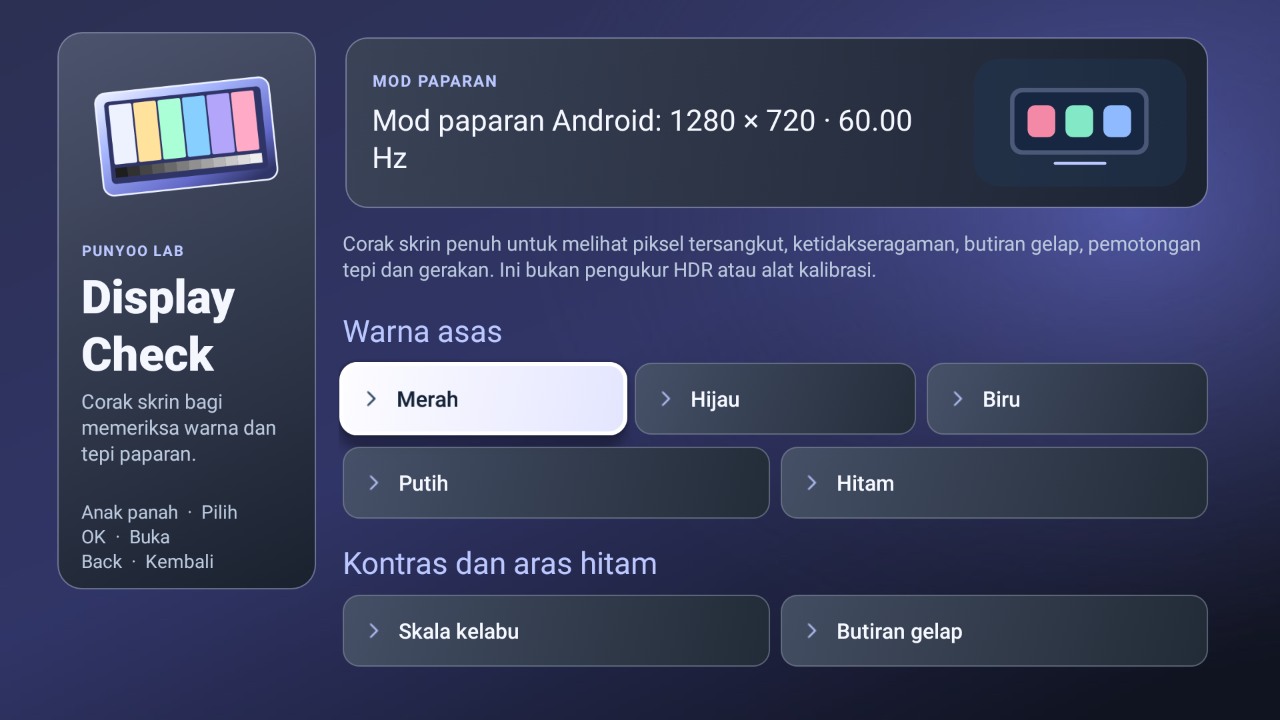
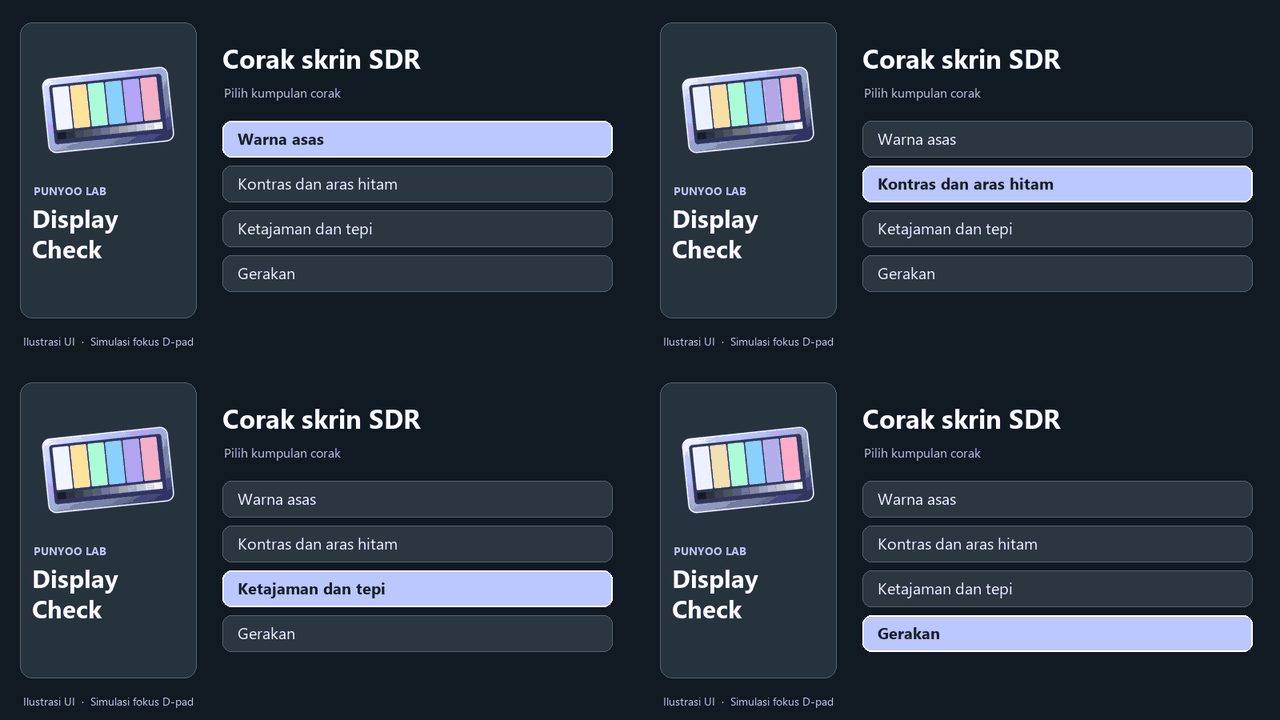
Display Check
Show full-screen SDR patterns to check colour, greyscale and screen edges by eye. This is not instrument calibration or an HDR output test.
Emulator screenshot · UI preview · illustrated GIF
Version and file verification
Android 6.0+ · com.punyoolab.displaycheck
SHA-256: b72e5da4bb135f21d3fbfd1312ab08b72ad0c450bfc9da5155e91d6cb2373012

AUDIO TEST Beta 1.2.0
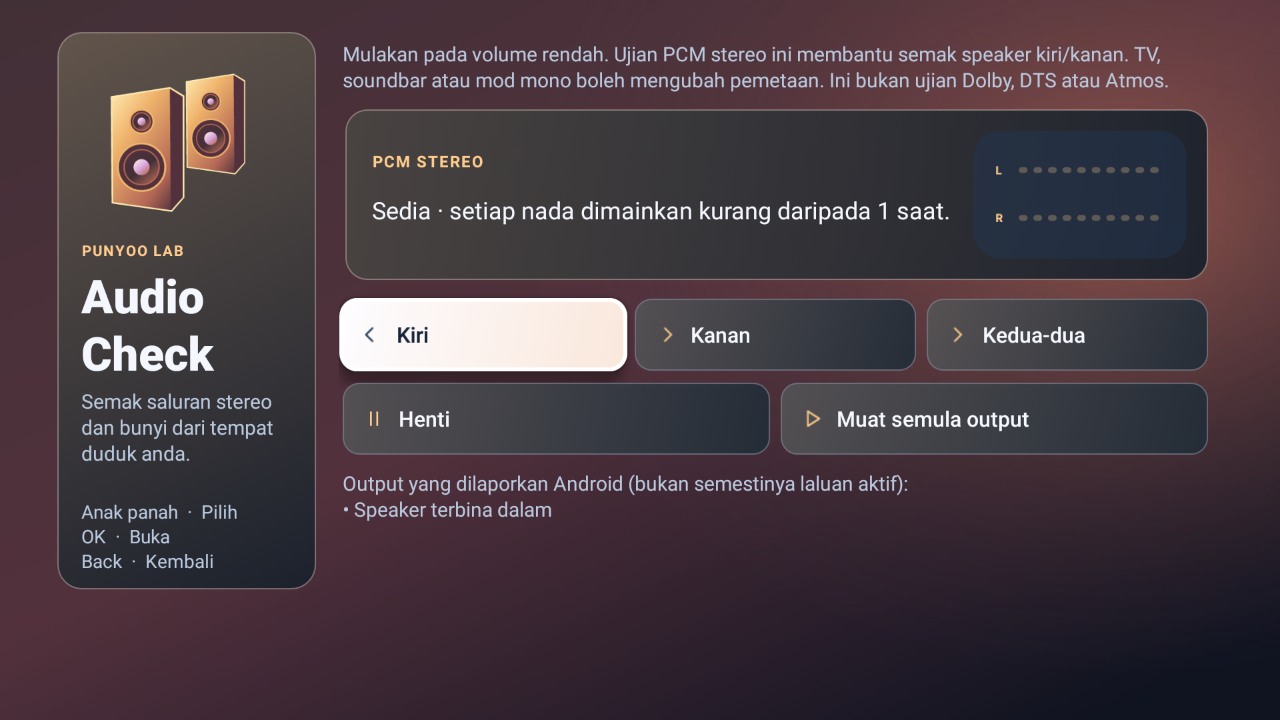
Audio Check
Play locally generated left, right or stereo test tones. The test does not verify Dolby Atmos or 5.1 channel mapping.
Emulator screenshot · UI preview · illustrated GIF

Version and file verification
Android 6.0+ · com.punyoolab.audiocheck
SHA-256: 5acf439f98ac2270696ec6ebff4652a58f315aefa7c5d71041e2c71cc8eeca3d

DEVICE INFO Beta 1.2.0
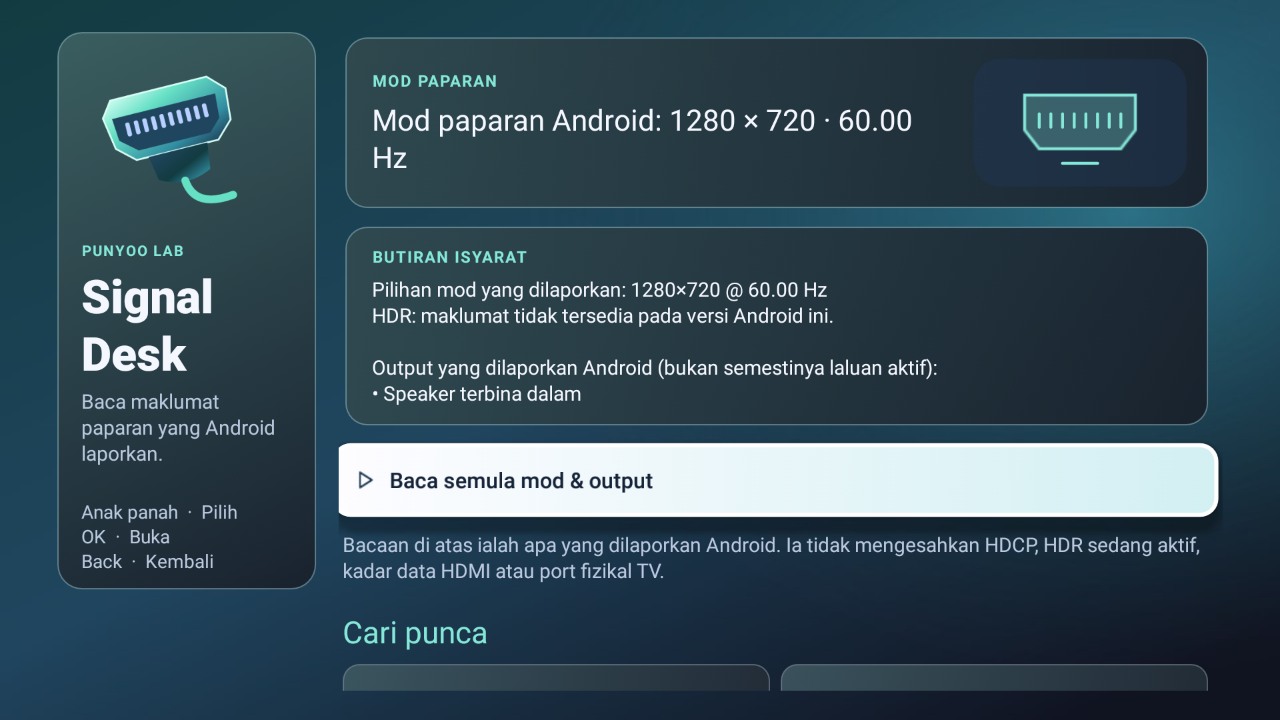
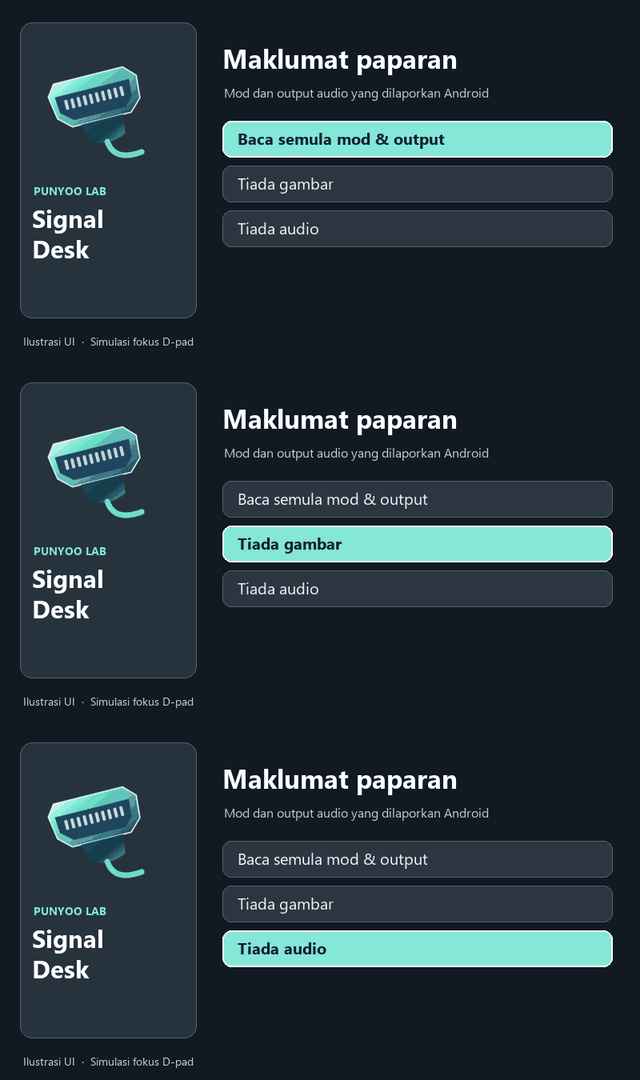
Signal Desk
See the resolution, refresh rate, HDR capabilities and audio output type Android reports. The app cannot confirm HDCP status or whether content is currently playing in HDR.
Emulator screenshot · UI preview · illustrated GIF
Version and file verification
Android 6.0+ · com.punyoolab.signaldesk
SHA-256: 12d17d631e30f64f2bb9b8bc25311b730b4492e72be7d7d536edd72856893e22

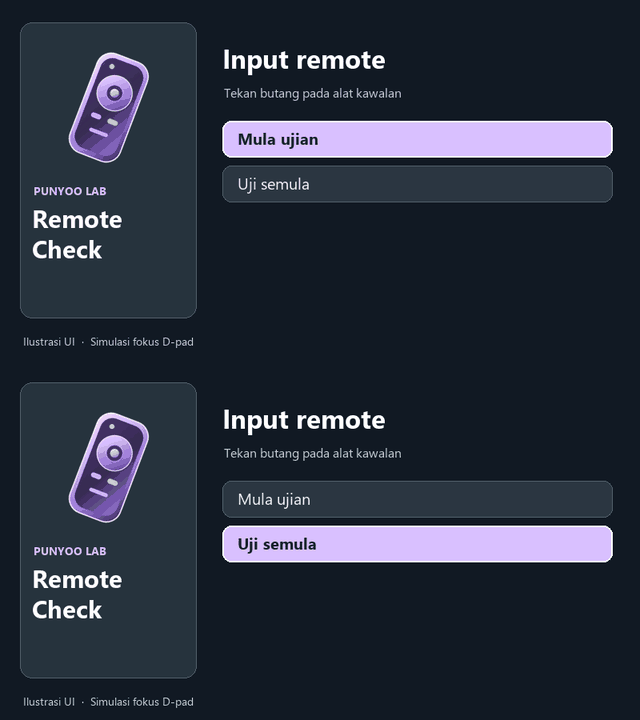
REMOTE TEST Beta 1.2.1
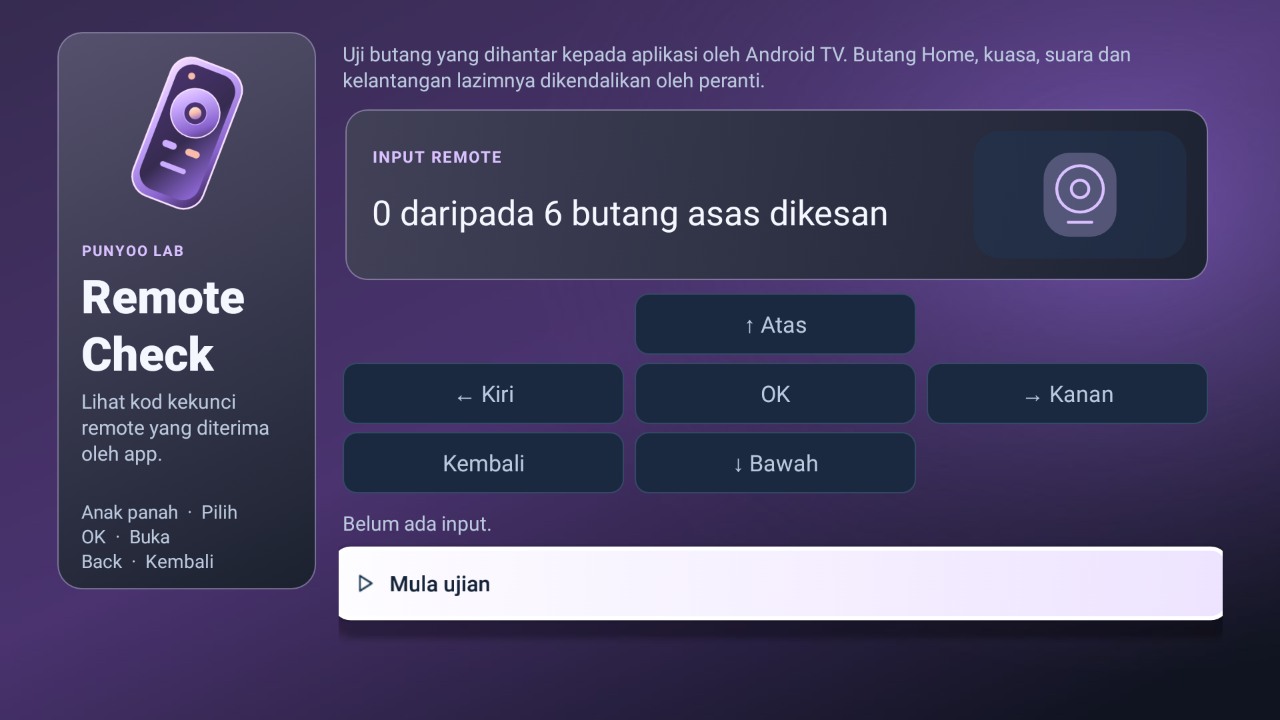
Remote Check
See which direction, OK and Back inputs the app actually receives. The TV may intercept system keys such as Home and Power.
Emulator screenshot · UI preview · illustrated GIF
Version and file verification
Android 6.0+ · com.punyoolab.remotecheck
SHA-256: 463580f60fe08db1464bda3a11dd584d7877c15ff4af3e3a19bcbebaca060926

SCREEN TIME Beta 1.2.0
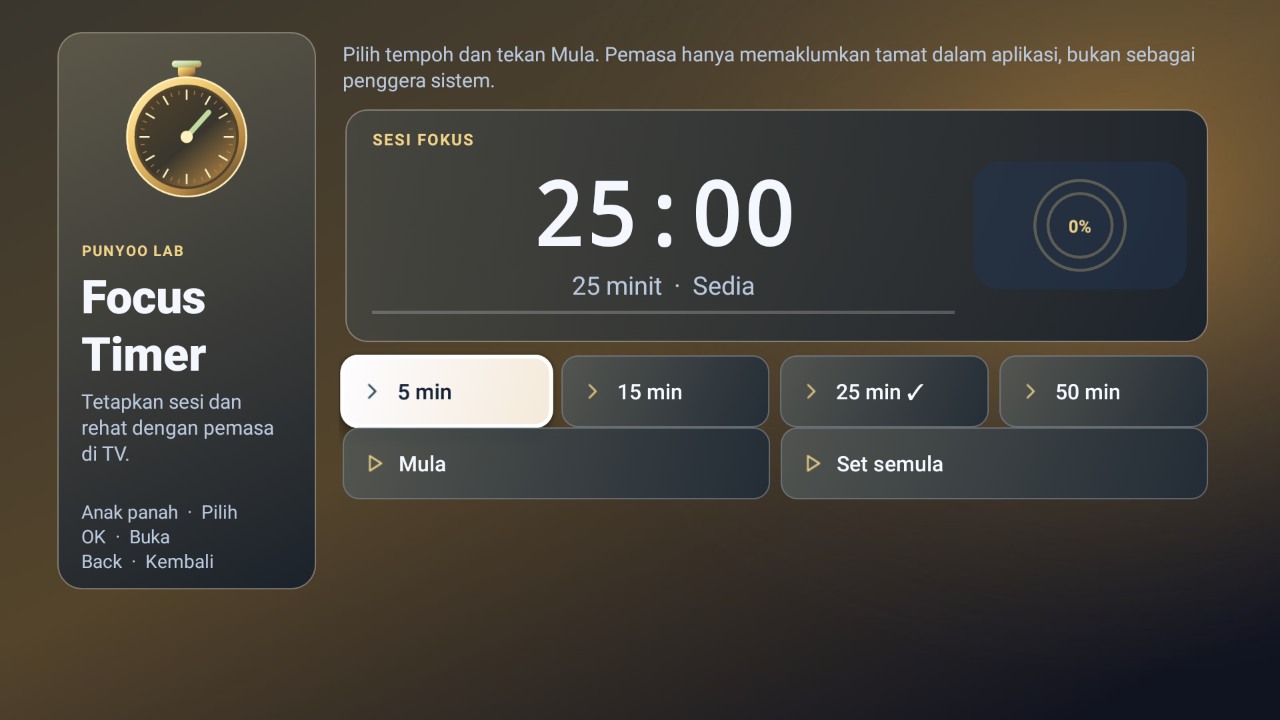
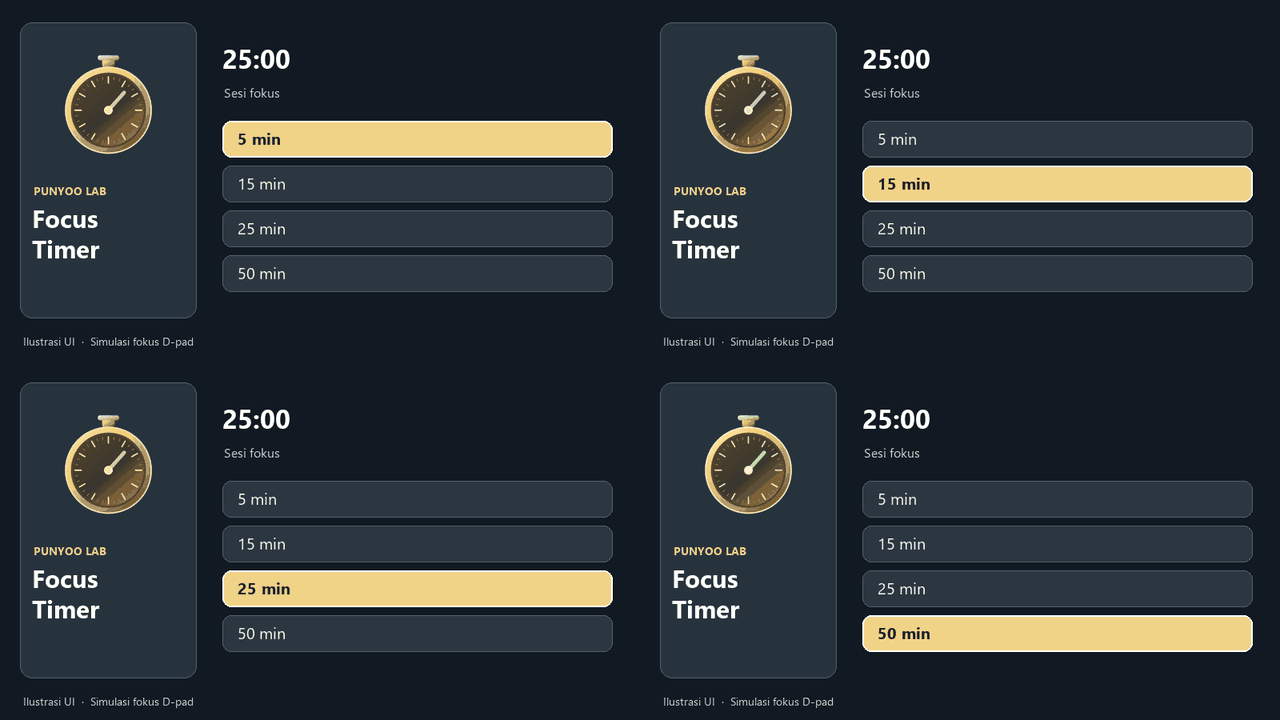
Focus Timer
Set a 5-, 15-, 25- or 50-minute timer with start, pause and reset controls. The end notice appears on screen; there are no notifications after you leave the app.
Emulator screenshot · UI preview · illustrated GIF
Version and file verification
Android 6.0+ · com.punyoolab.focustimer
SHA-256: 73fc28beb864f465993f7bdc6cde31944b83670e04d6aaac8c26ec4af72e21d8

AMBIENT CLOCK Beta 1.2.0
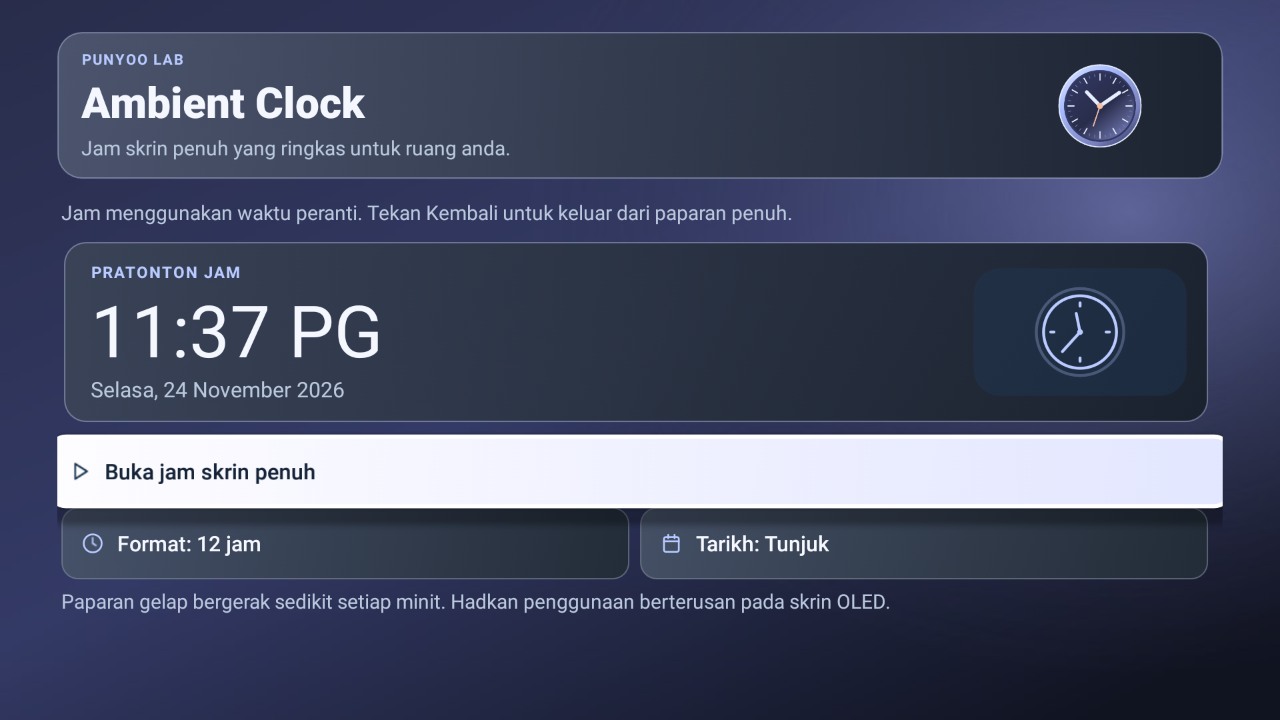
Ambient Clock
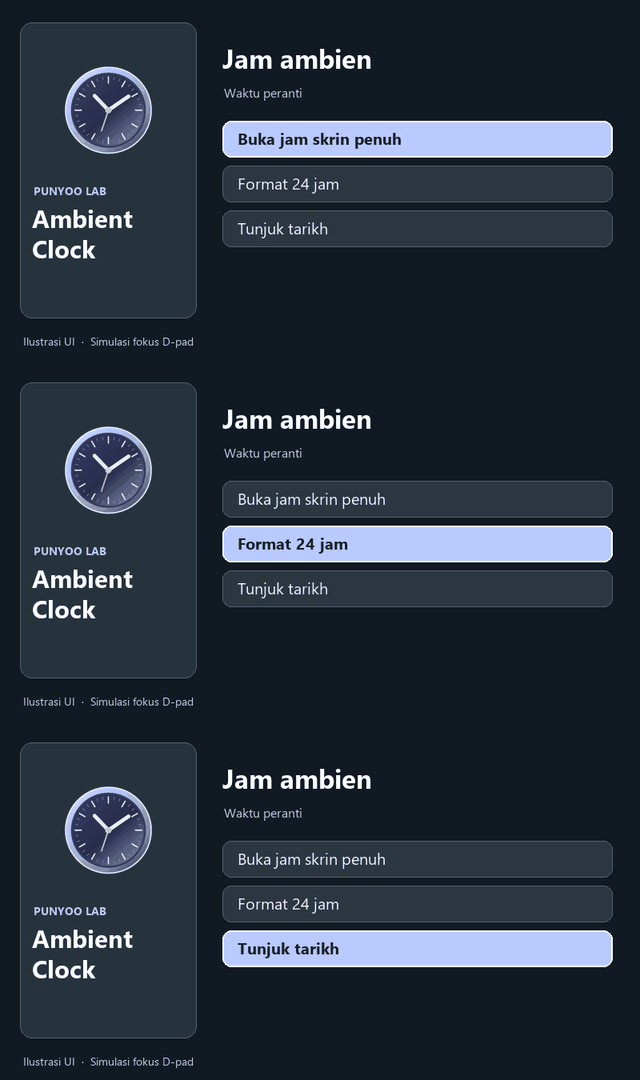
Show a dark, full-screen clock based on the device time, with 12- and 24-hour modes and an optional date. The clock shifts gradually; this does not guarantee burn-in prevention.
Emulator screenshot · UI preview · illustrated GIF
Version and file verification
Android 6.0+ · com.punyoolab.ambientclock
SHA-256: 4270b2d4e4989b824c073a3f9d5f1c70abb4a39696233ccefb8c9045400da05e

BENCHMARK Beta 0.5.1
TV Box Benchmark
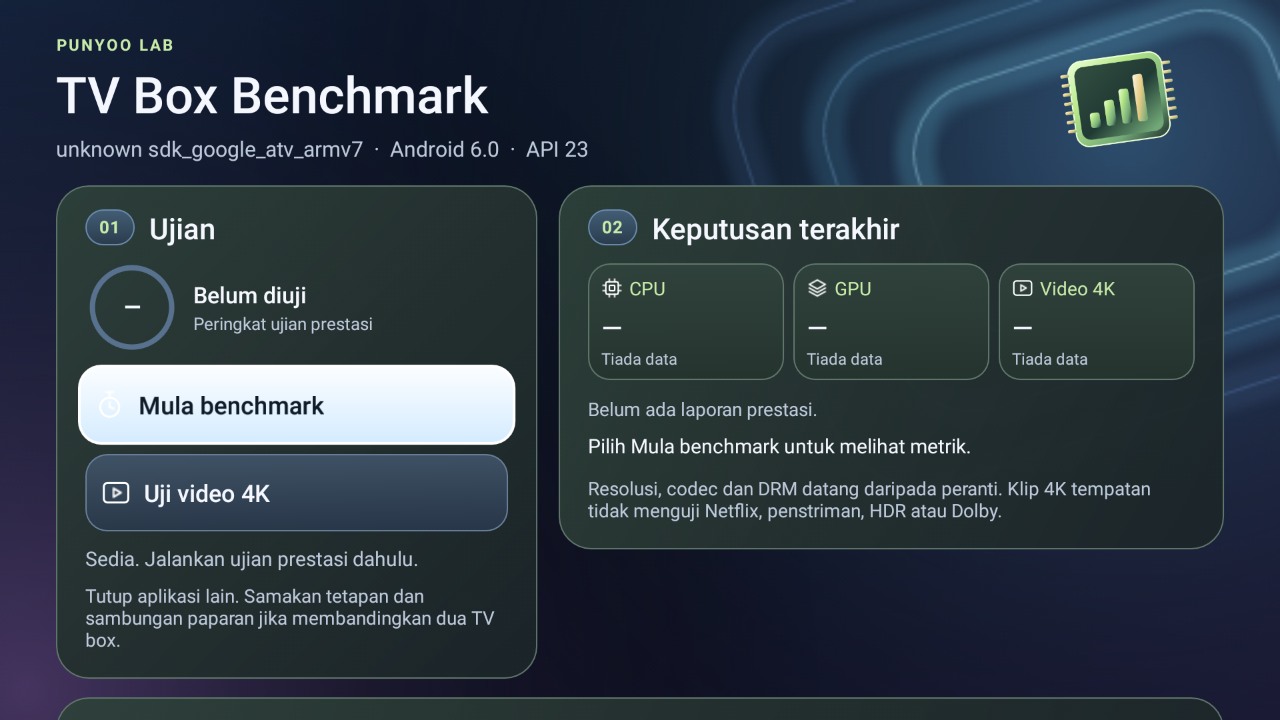
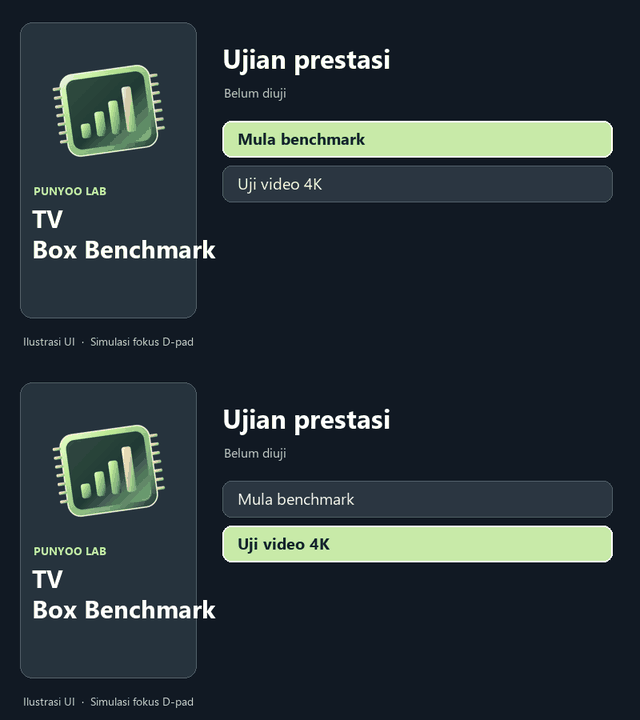
Measure CPU, memory, storage and GPU performance. If sharing is enabled, results are sent to the Benchmarking Community after a run. Also includes a 4K H.264 video test and export. Codec and DRM status are device-reported, not proof of Netflix 4K, HDR or Dolby support.
Emulator screenshot · UI preview · illustrated GIF
Version and file verification
Android 6.0+ · com.punyoolab.tvbench
SHA-256: b092eada668809b80b674a7b02f7ddec914e63d2c3af0af9b22b024db9ce31f1
Before you install
These beta apps are for Android TV and Google TV. Check the minimum Android version on the app’s card. Choose Download in Google Drive to save the APK.
Use the SHA-256 checksum under each card to verify the file. Emulator screenshots and interface illustrations are labelled separately. Remote, audio, video and file picker behaviour vary by device. Browse the beta download folder.
TV Apps / Installation guide
How to install an APK on your TV or TV box
For compatible Android TV and Google TV devices that allow APK installation. Pick the method that works with your device.
1. TV browser
- If your TV has a browser that supports downloads, open this page on the TV and select Download Punyoo Glass Home.
- Open the downloaded
.apkin the browser’s Downloads list or a file manager, then follow Android’s installer prompts.
2. USB drive
- Download the APK on a computer and copy it to a USB drive.
- Connect the drive to your TV or TV box. If your device supports USB file browsing, use a file manager to open the APK and confirm the install.
3. Transfer from your phone
- Download the APK to your phone. Connect the phone and TV to the same trusted Wi-Fi network.
- Use a trusted local file-transfer app available on both devices. On the TV, open the received APK and confirm the install.
Keep your TV protected. Download from the official Punyoo Lab link and keep Google Play Protect on. If Android prompts for Install unknown apps, allow only the browser, file manager or launcher that opens the APK for this installation. Turn that permission off afterward. On older Android versions with a device-wide switch, turn it off afterward as well. If Play Protect blocks the file, stop rather than turning protection off.
Already installed? Leave your existing apps and settings in place. If Android refuses the APK as an update, keep the current installation and check that the package and signing certificate match before trying again. You do not need to change the default home screen to try Glass Home as an app.
Back to TV Apps Back to Artificial Lab choicesTry Android TV apps in your browser
Choose an app to explore its interactive preview. To test Android device features, install the APK from the download section.
Select a card, or use the arrow keys to navigate, Enter to open and Esc to go back.
Artificial Lab / Concept preview
Car Player Display
A static design study for a clearer in-dash screen with larger labels and fewer distractions. There is no APK or confirmed head-unit compatibility.
Concept preview · Stationary use only
Benchmark Komuniti Android TV
Purata bacaan mengikut model, disusun mengikut prestasi CPU berbilang teras. Protokol Punyoo TVBench v1.
Memuatkan keputusan…
| Foto | # | Produk | Ujian | CPU juta iterasi/s | GPU draw/s | RAM MiB/s | Tulis MiB/s | Harga |
|---|
Punyoo Lab boleh menerima komisen bagi pembelian yang layak melalui pautan affiliate Shopee.