Would you let Gemini click through your Mac apps? Google announced that ability on 19 November, but the first rollout is in English in the US. Malaysia is not included in the announced rollout.
The useful change: work across desktop apps
Google says Gemini can operate local apps, files and websites inside a separate background window, with a live preview in the chat. Your main cursor stays available. Its suggested jobs include editing batches of photos, extracting PDF details for shipping forms and assembling slides from dashboard data. These are Google’s examples, not Punyoo Lab test results.


Check the Mac—and the subscription wording
The announcement requires Apple Silicon and macOS Sequoia 15.0 or newer, plus a personal Google account aged 18 or over. It lists Google AI Plus, Pro and Ultra. However, Google’s computer-use help page currently lists only Pro and Ultra, and excludes work and school accounts. That discrepancy makes checking your own account essential before buying a subscription for this feature. Neither source gives a Malaysian launch date.


App permission is the decision that matters
Google’s help page describes app-by-app access controls, a stop button and on-demand file backups. It also warns that content in one app can manipulate the agent into acting in another allowed app. Access to logged-in desktop sessions means the consequences can extend beyond a chat reply; some changes may be irreversible.
Our practical advice, if access becomes available: begin with a duplicate folder and one low-risk task. Allow only the apps needed, keep backups enabled and inspect the result before approving anything that sends files or changes accounts. An unattended client project is a poor first experiment.
This is a distinct desktop-control update following Google’s earlier free Tasks announcement. For Malaysian creators, the immediate takeaway is to prepare permissions and a review process, while waiting for confirmed local availability.
Sources and image credits
Google announcement, 19 November 2026 · Google computer-use help. Checked 20 November 2026, MYT.
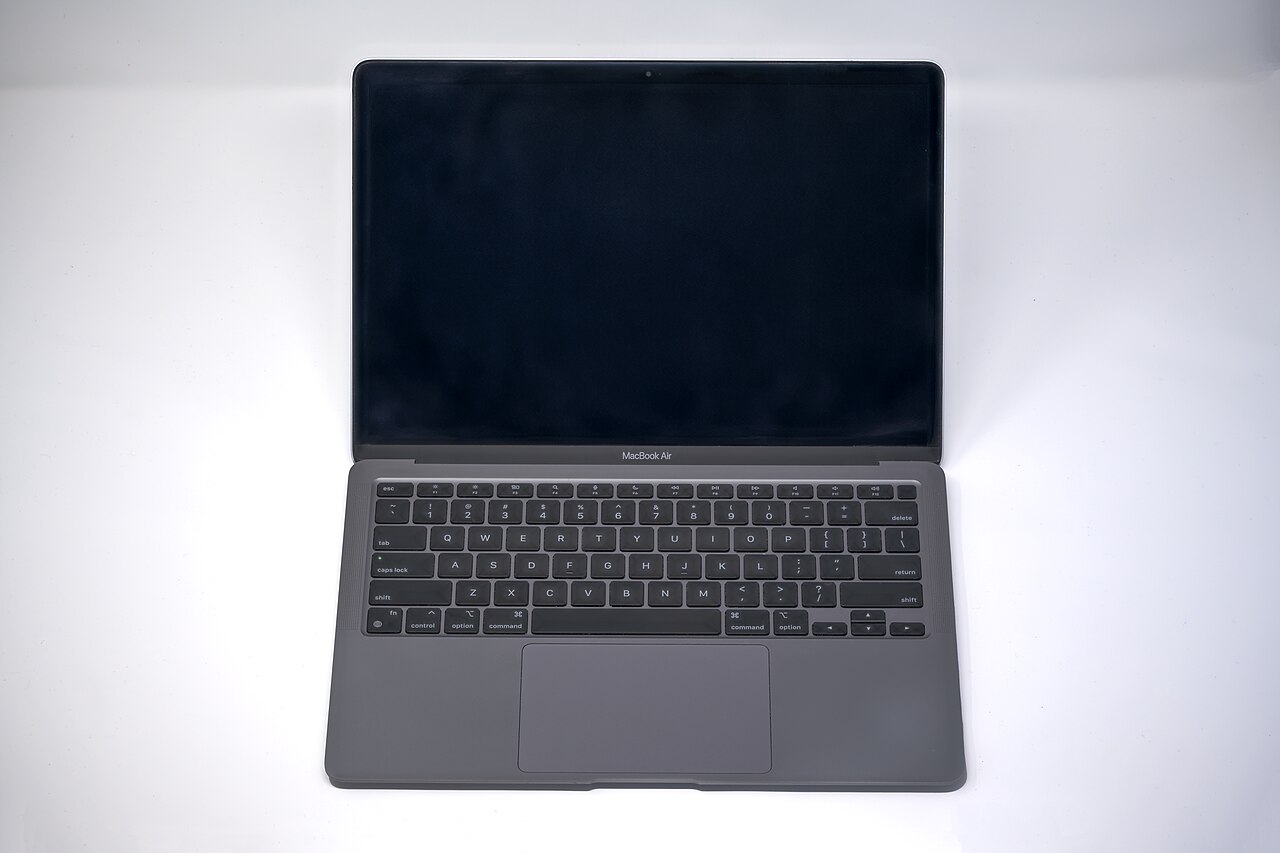
Cover: archival MacBook M1 photo, 1 May 2024; not a Gemini demonstration. Wilfredor / Wikimedia Commons, CC0. Resized; original uses focus stacking.

#GoogleGemini #MacOS #AIAgents
Leave a Reply